IPython Console#
The IPython Console allows you to execute commands and interact with data inside IPython interpreters.
To launch a new IPython console, go to New console (default settings) under the Consoles menu, or use the keyboard shortcut Ctrl-T (Cmd-T on macOS) when the console is focused.
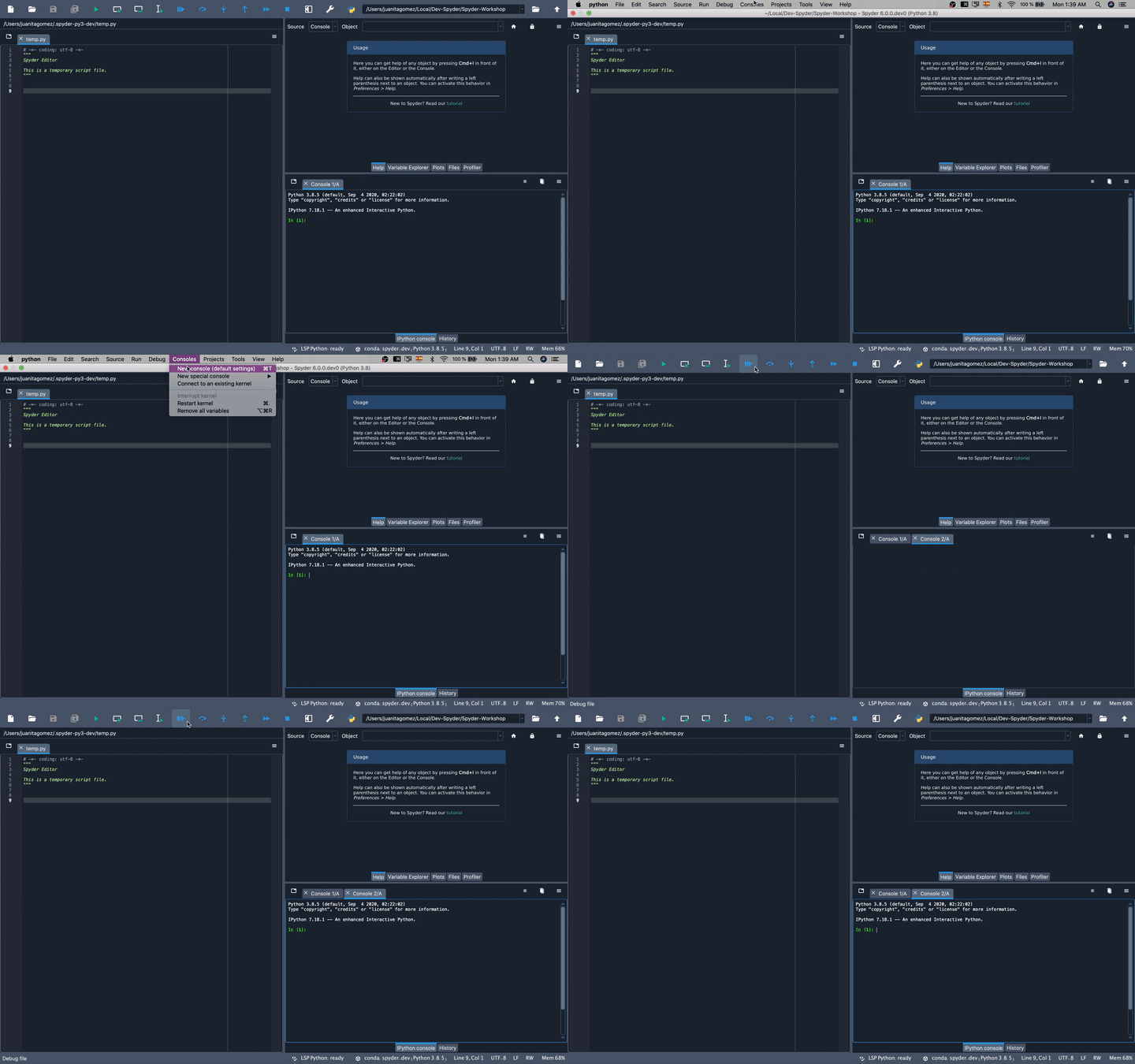
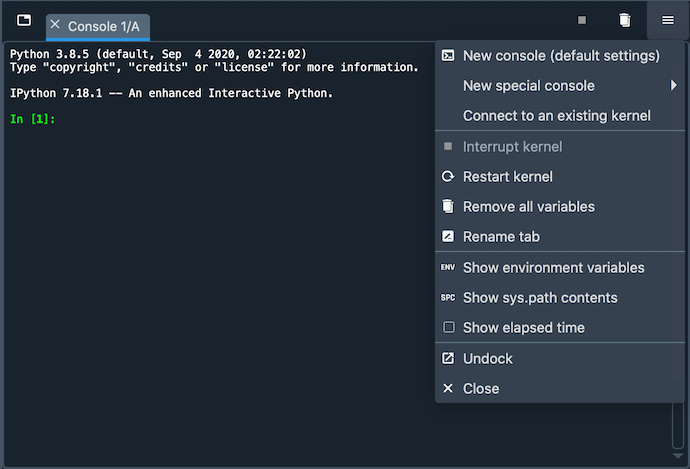
From the same menu, you can stop currently executing code with Interrupt kernel, clear a console’s namespace with Remove all variables, or relaunch a fresh one with Restart kernel. As each console is executed in a separate process, this won’t affect any others you’ve opened, and you will be able to easily test your code in a clean environment without disrupting your primary session.
Supported features#
Any IPython Console, whether external or started by Spyder, supports:
Automatic code completion
Real-time function calltips
Full GUI integration with the Spyder Debugger.
The Variable Explorer, with GUI-based editors for many built-in and third-party Python objects.
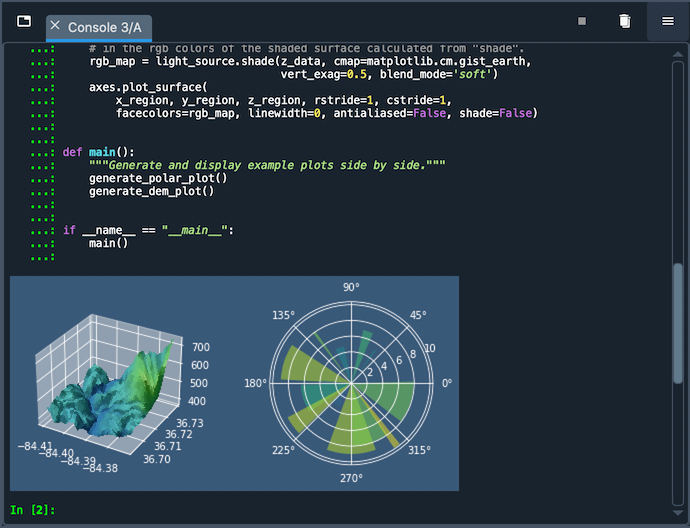
Integration with Spyder’s Plots pane to display Matplotlib graphics, if the Inline backend is selected under , and inline in the console if Mute inline plotting is unchecked under the Plots pane’s options menu.
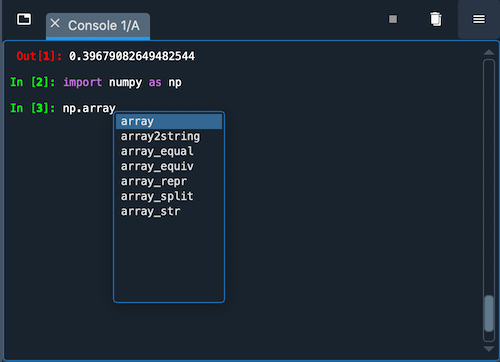
For information on the features, commands and capabilities built into IPython itself, see the IPython documentation.
Special consoles#
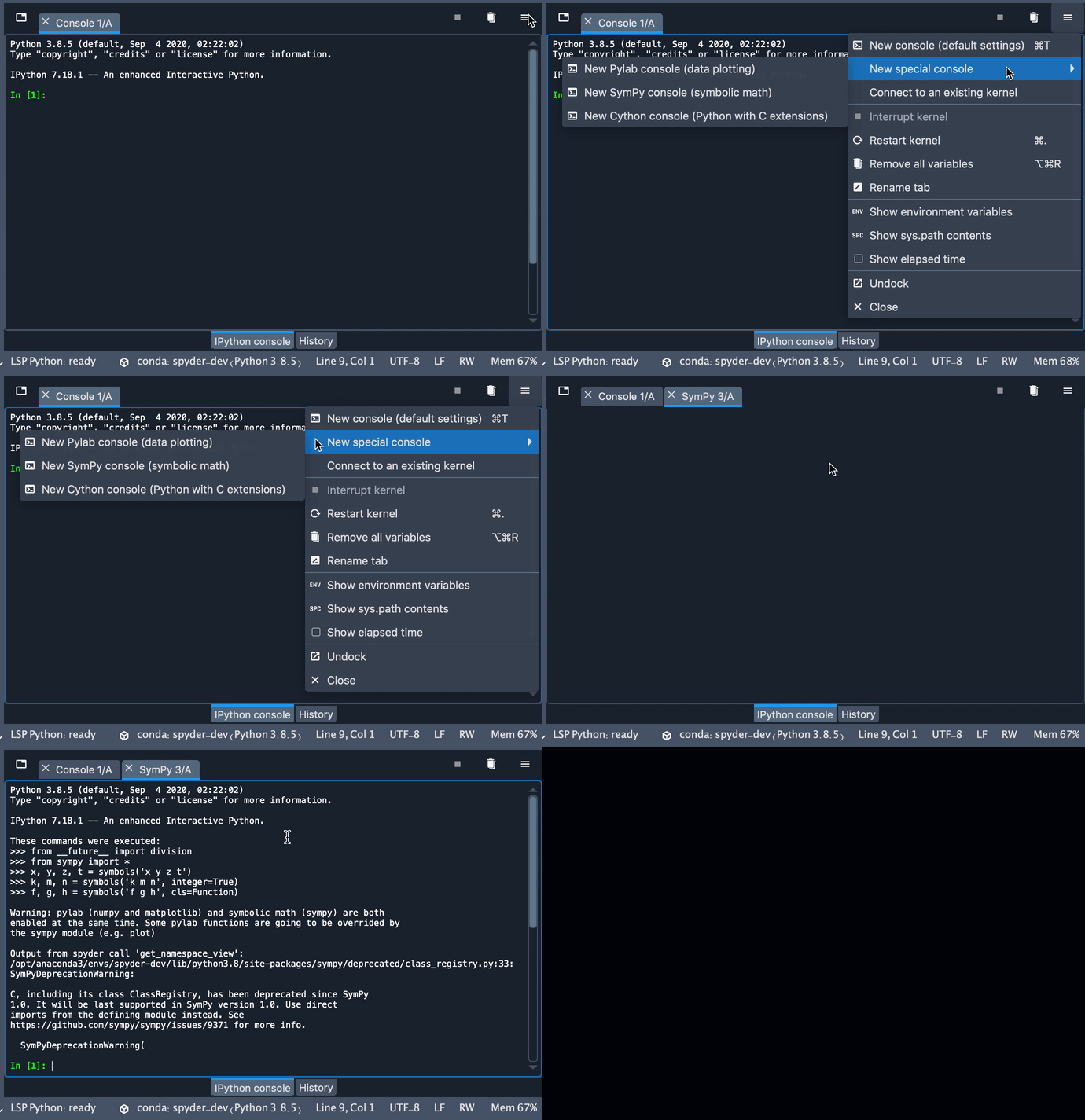
Spyder also supports several types of specialized consoles. A Sympy console enables creating and displaying symbolic math expressions right inside Spyder. A Cython console allows you to use the Cython language to speed up your code and call C functions directly from Python. Finally, a Pylab console loads common NumPy and Matplotlib functions by default; while this is deprecated and strongly discouraged for new code over just importing the modules directly, it can still be used if necessary for legacy scripts that need it.
External and remote consoles#
You can open a new console in a remote environment you’ve set up using the Remote Connection Manager by selecting it under , or the equivalent item in the context menu. For more details about creating and managing remote connections, see the Remote Connection Manager documentation.
You can also open a new console tab connected to an existing running kernel, either local or remote, by using the advanced option . See Connecting to existing kernels (advanced) for more information.
Options menu#
The options (“hamburger”) menu on the top right of the pane allows you to inspect your current environment variables (Show environment variables), and the contents of your system’s PATH (Show sys.path contents).
In addition, you can have each console display how long it has been running with Show elapsed time.
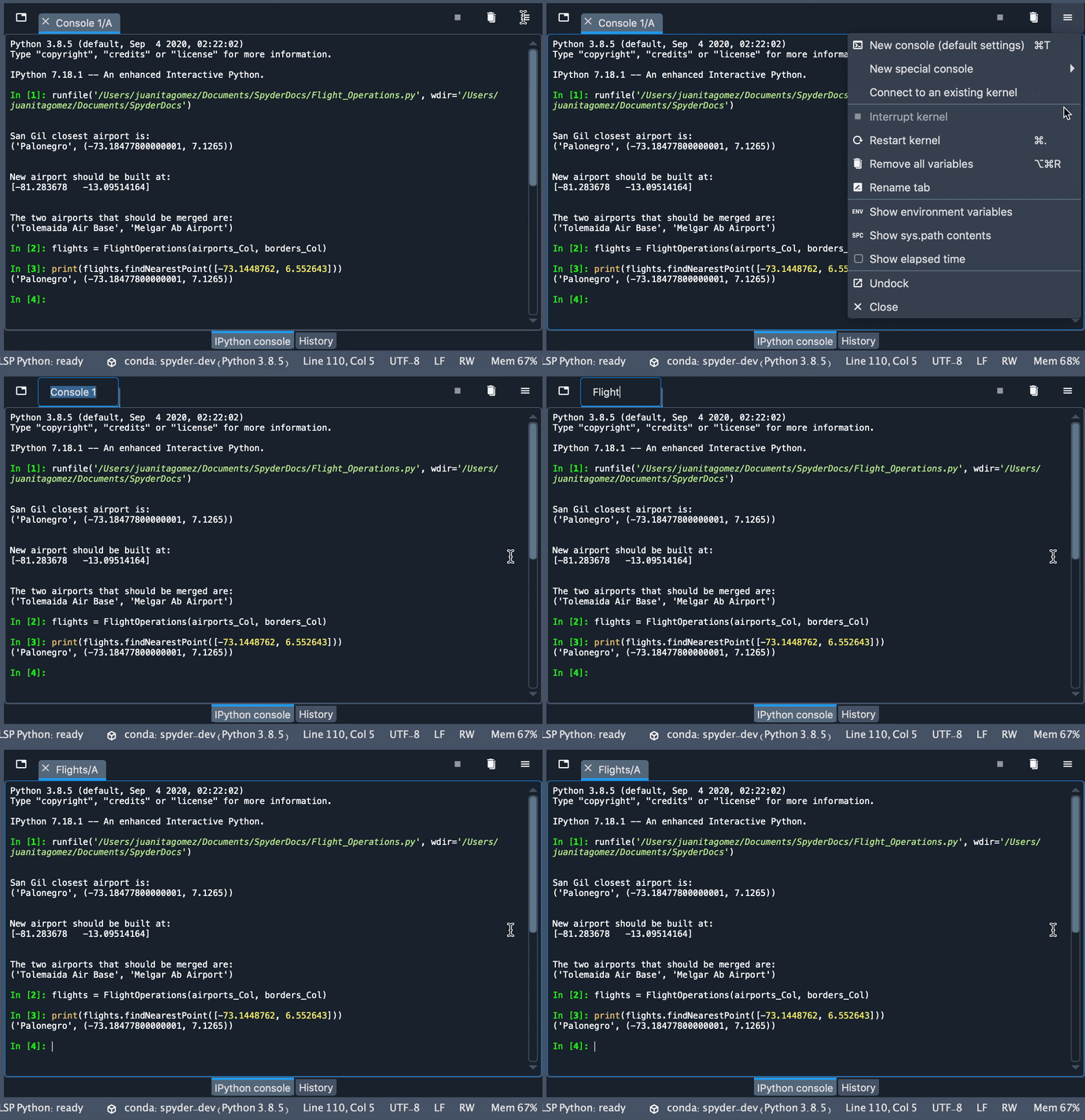
You can change the name of the current IPython console tab with the Rename tab option, or by simply double-clicking it.
Reload changed modules#
When working with the normal interactive interpreter in the terminal, Python only loads a module from its source file once, the first time it is imported. This would require you to exit and relaunch the entire interpreter whenever you make changes to your code, losing any variables or functions you’ve defined in your session in the process.
Spyder’s User Module Reloader (UMR) automatically reloads modules right in your existing IPython consoles whenever they are modified and re-imported. With the UMR enabled, you can test changes to your code without restarting the kernel.
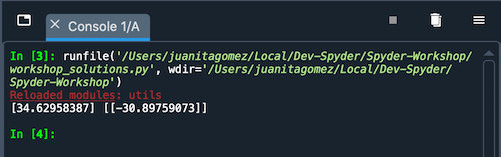
UMR is enabled by default, and it will provide you with a red Reloaded modules: message in the console listing the files it has refreshed when it is activated.
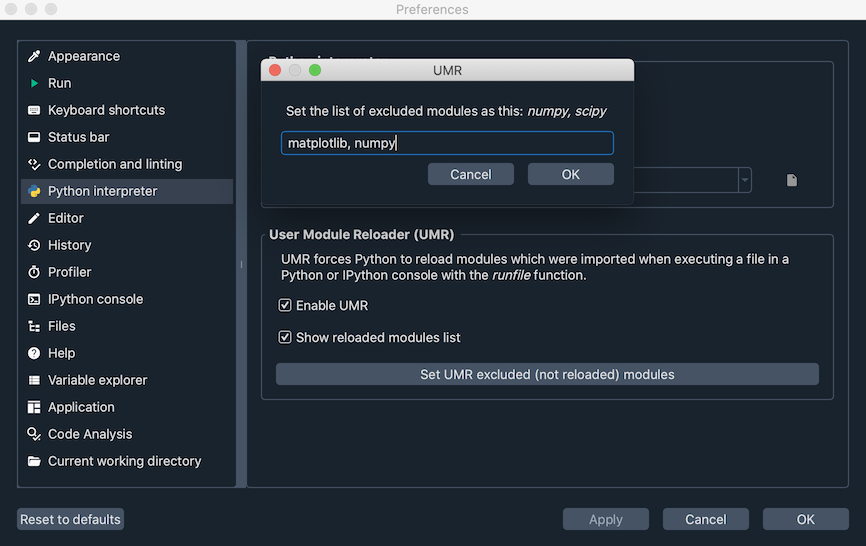
If desired, you can turn it on or off, and prevent specific modules from being reloaded, under .