Ayuda en línea#
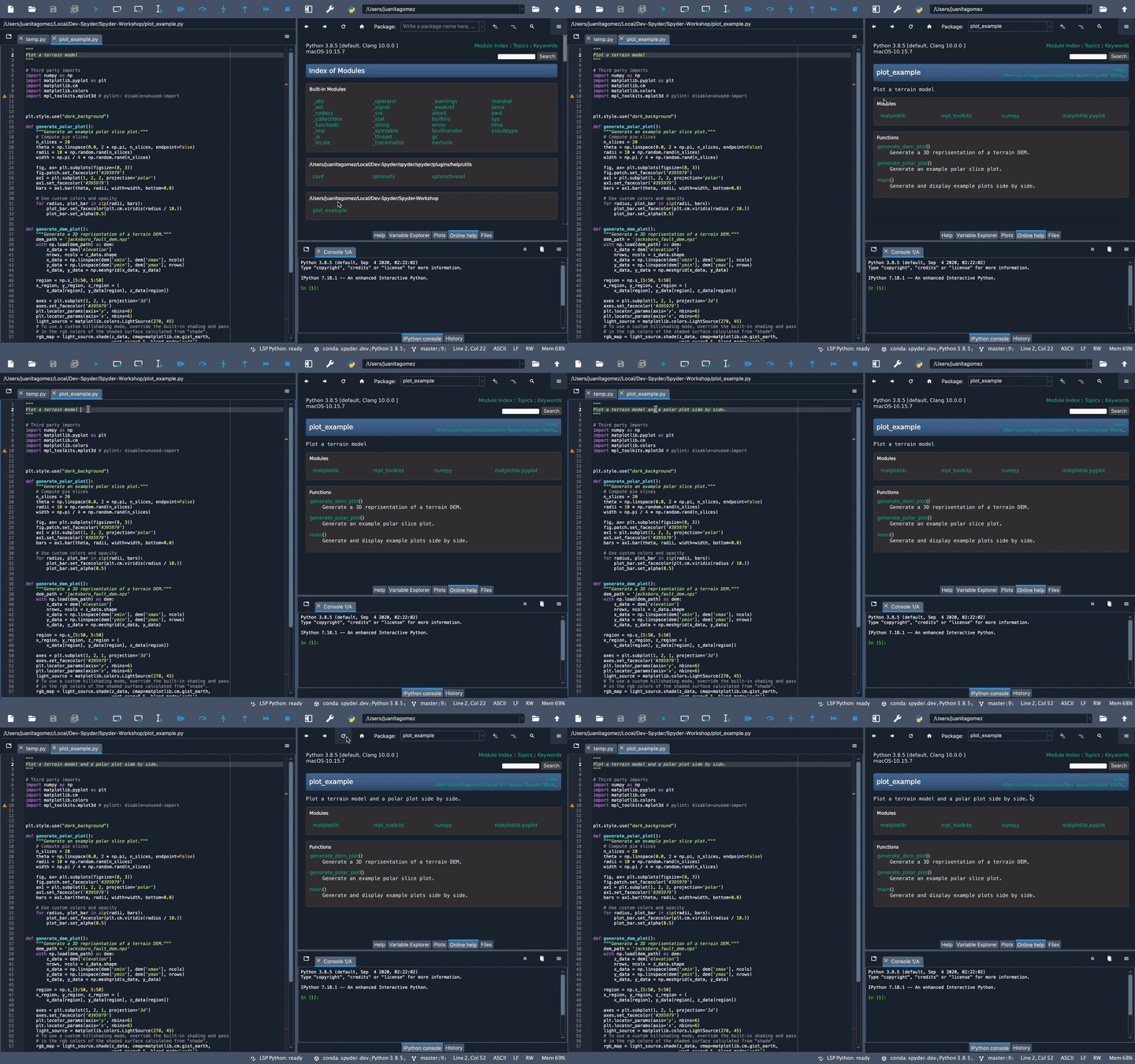
The Online Help pane provides a built-in web browser to explore dynamically generated Python documentation on installed modules—including your own—rendered by a pydoc server running in the background.
Usar la Ayuda en línea#
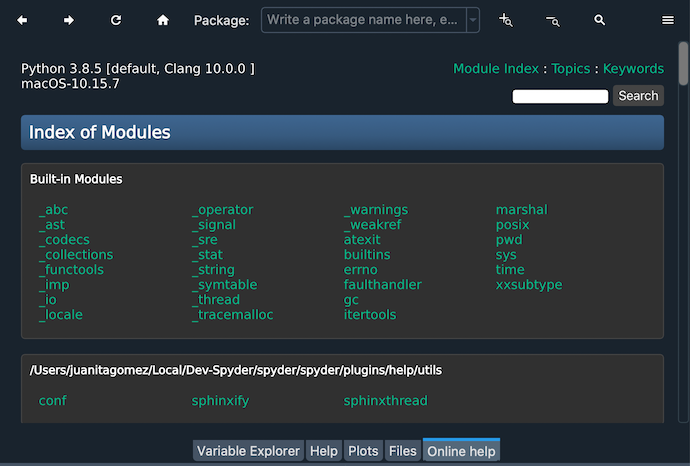
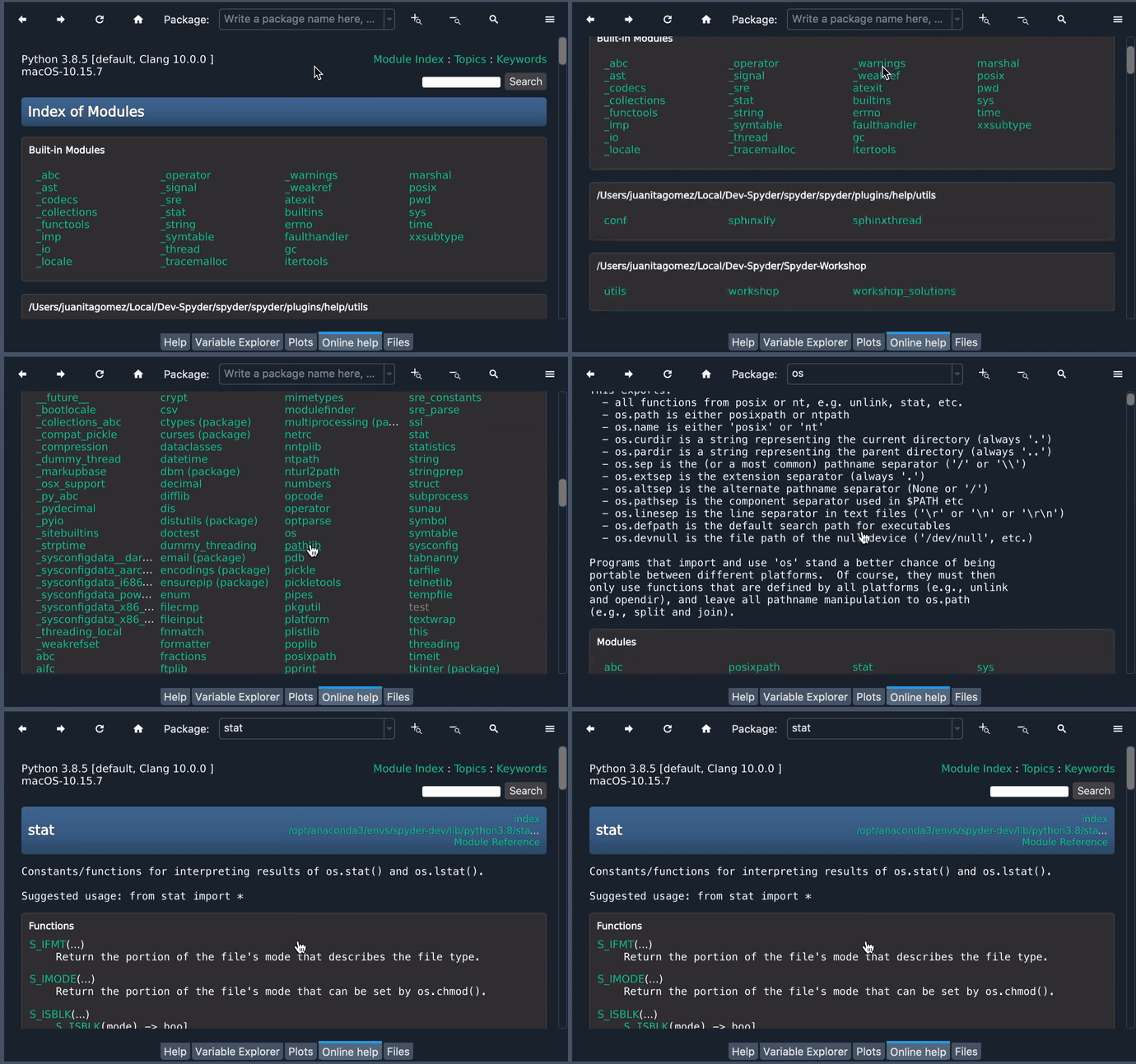
En la página de inicio de la ayuda en línea se muestra un índice donde puedes navegar por la documentación de módulos de biblioteca estándar, paquetes de terceros instalados en tu entorno Python y tu propio código local. Haz clic en el nombre de cualquier módulo para abrir su documentación.
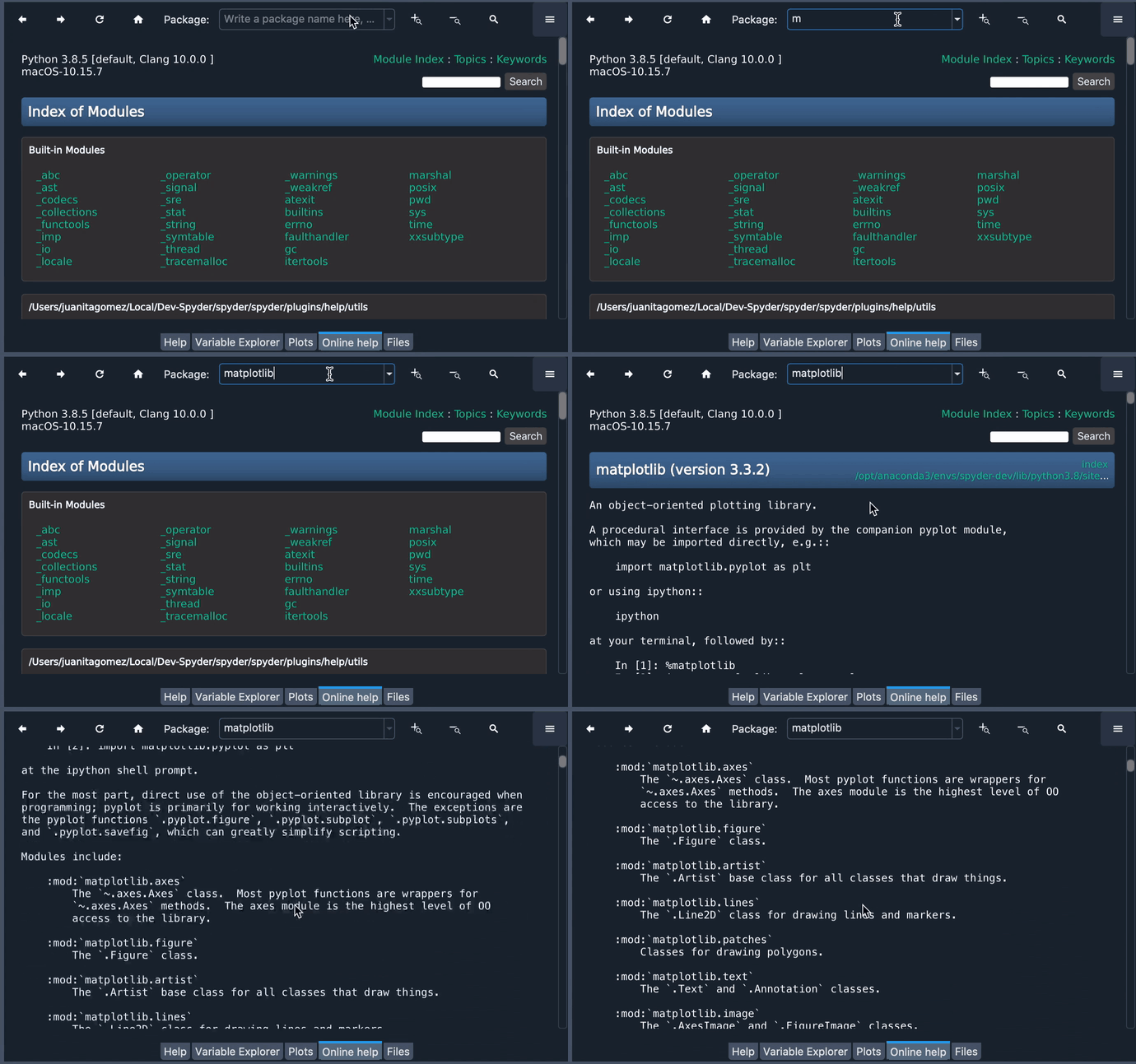
Or, enter the name of the item you’d like help on in the Package field to load its documentation directly.
Si no estás seguro del nombre del objeto en el que deseas obtener ayuda, o estás buscando una palabra clave específica, usa el campo Search para obtener una lista de resultados.
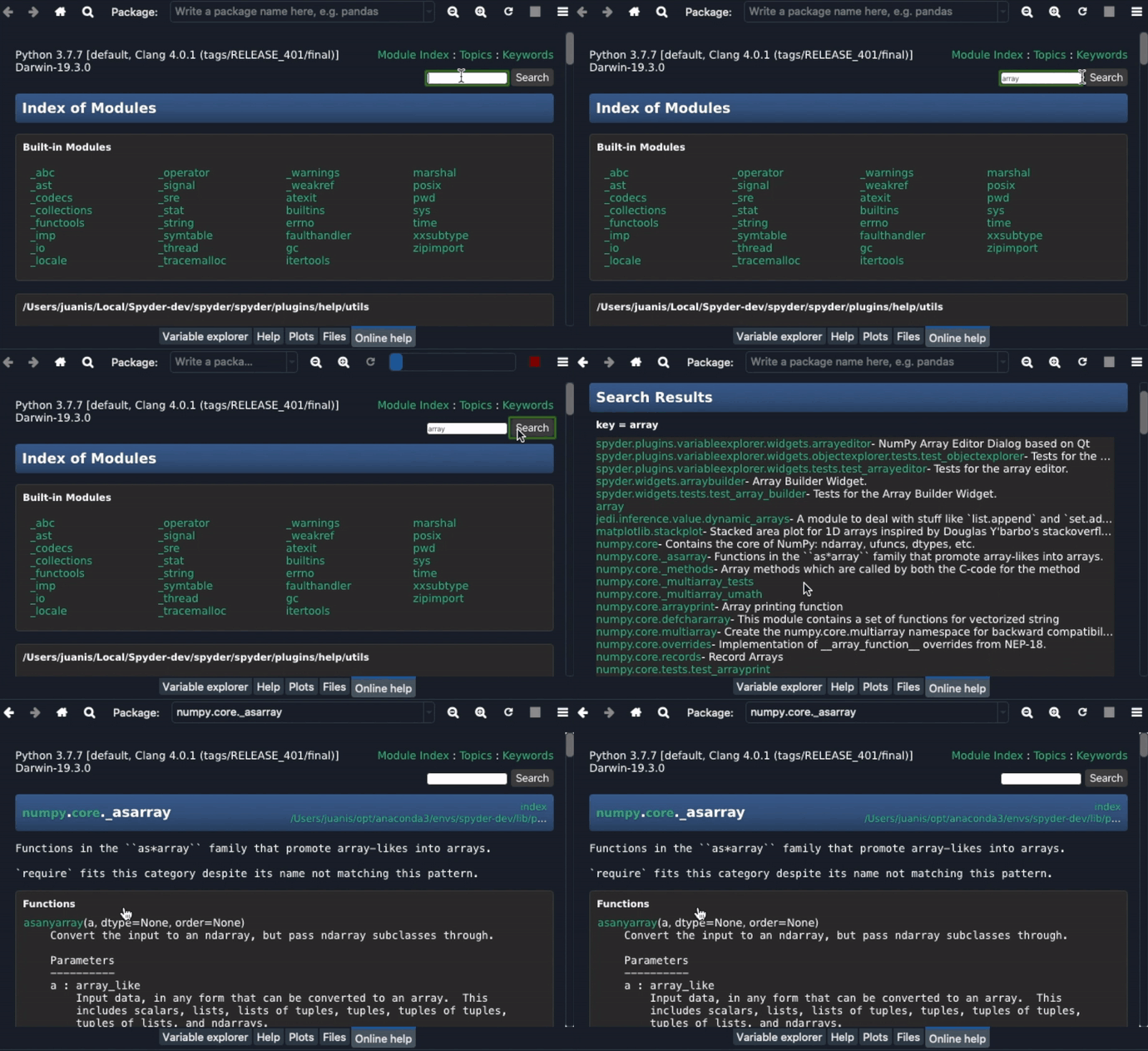
Links above the search field provide an index of topics with general help and a list of Python keywords linked to their corresponding documentation.
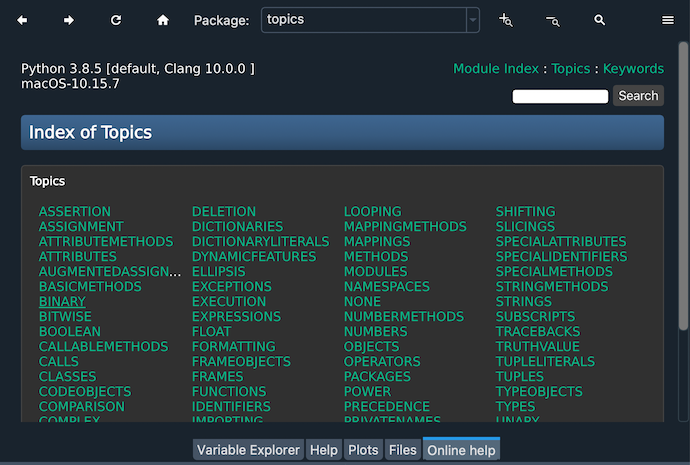
In the rendered documentation, the module’s file location is linked to the right of the documentation’s title, which you can click to view its source code.
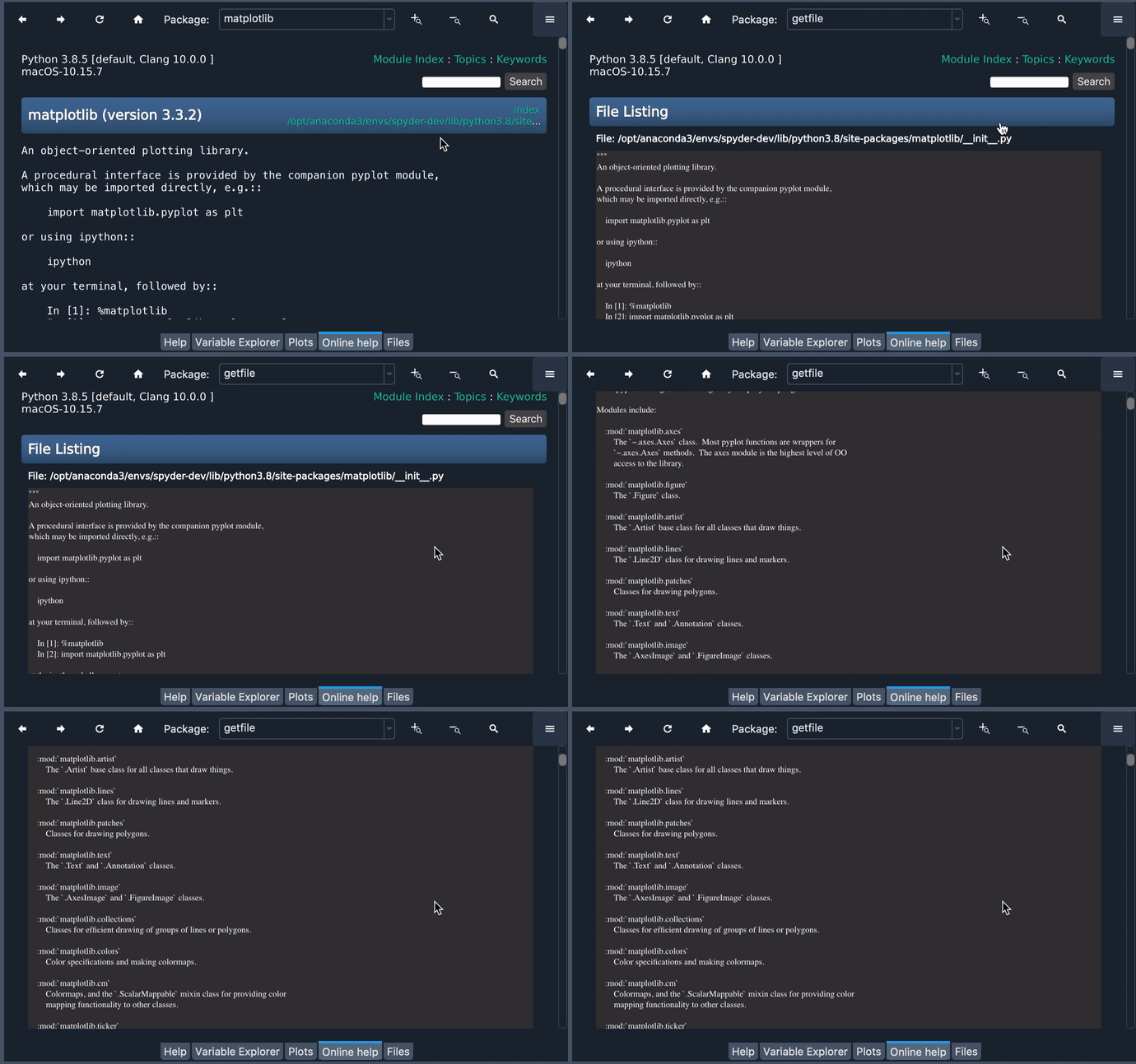
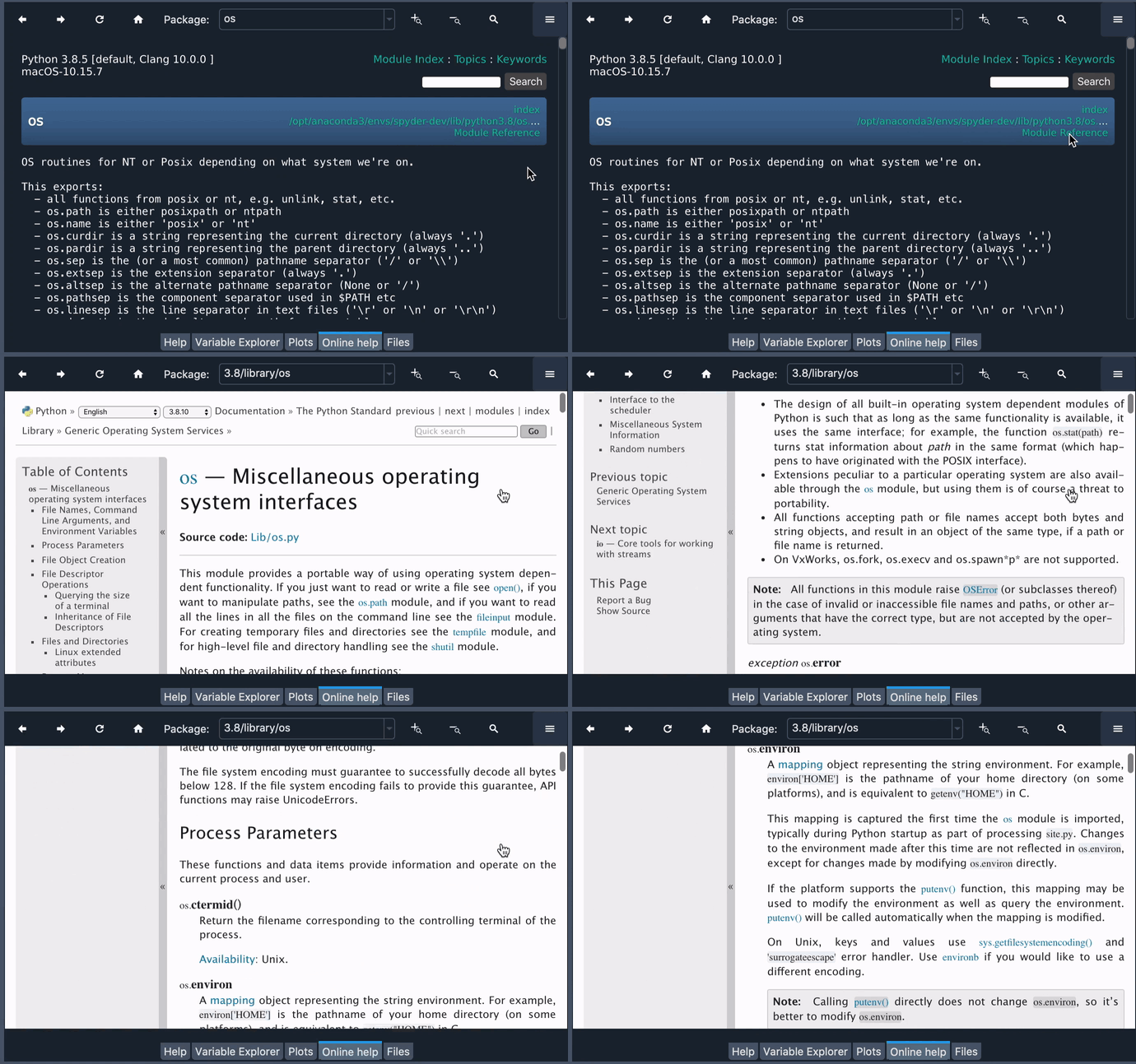
Standard library modules also have a link to the corresponding Python docs, which can be viewed right inside of the pane.
Elementos de la barra de herramientas#
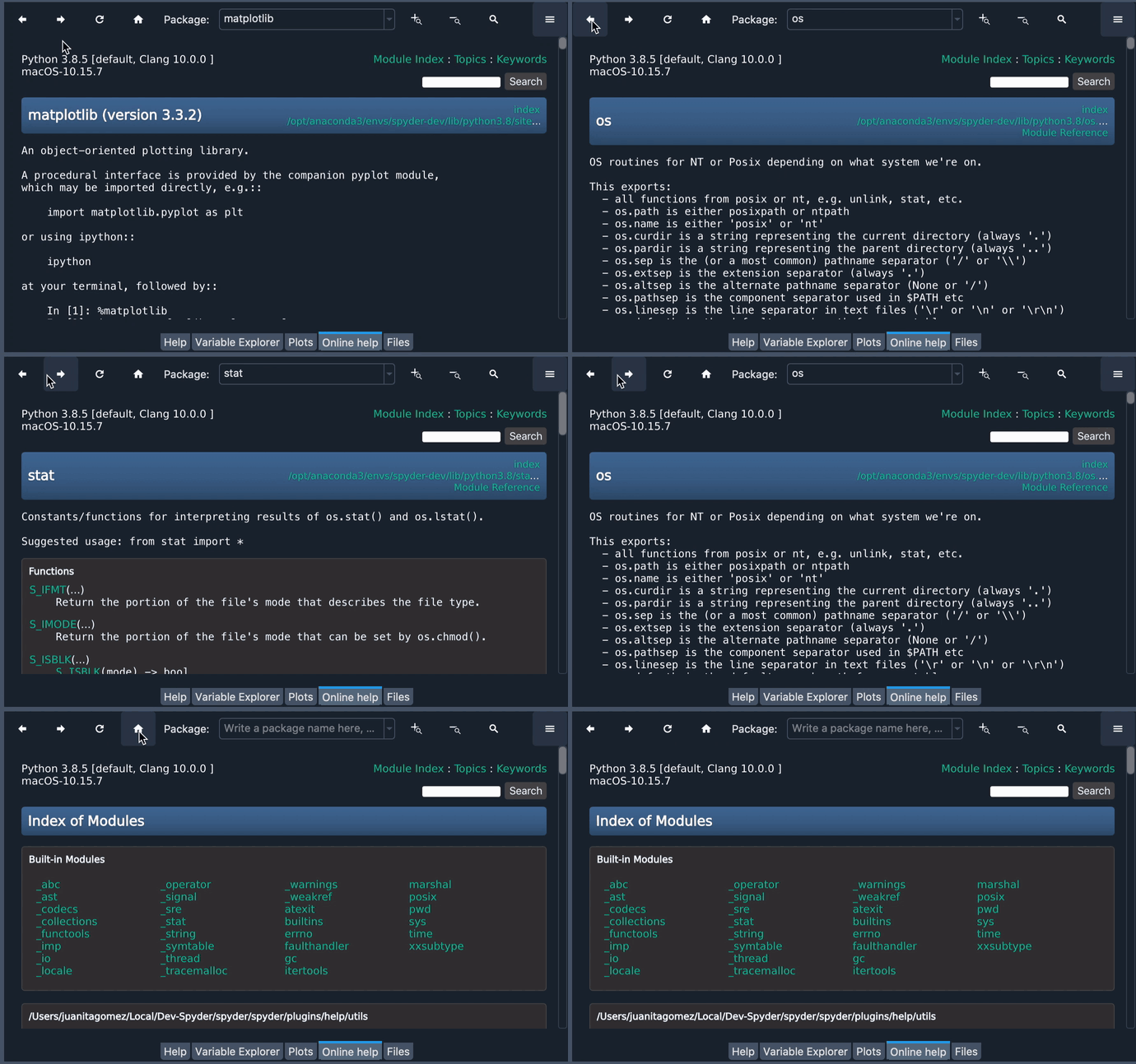
Al igual que en un navegador web, los botones de adelante y atrás se mueven a través de las páginas que has visitado, y el botón de inicio (icono de la casa) te devuelve al índice de módulos.
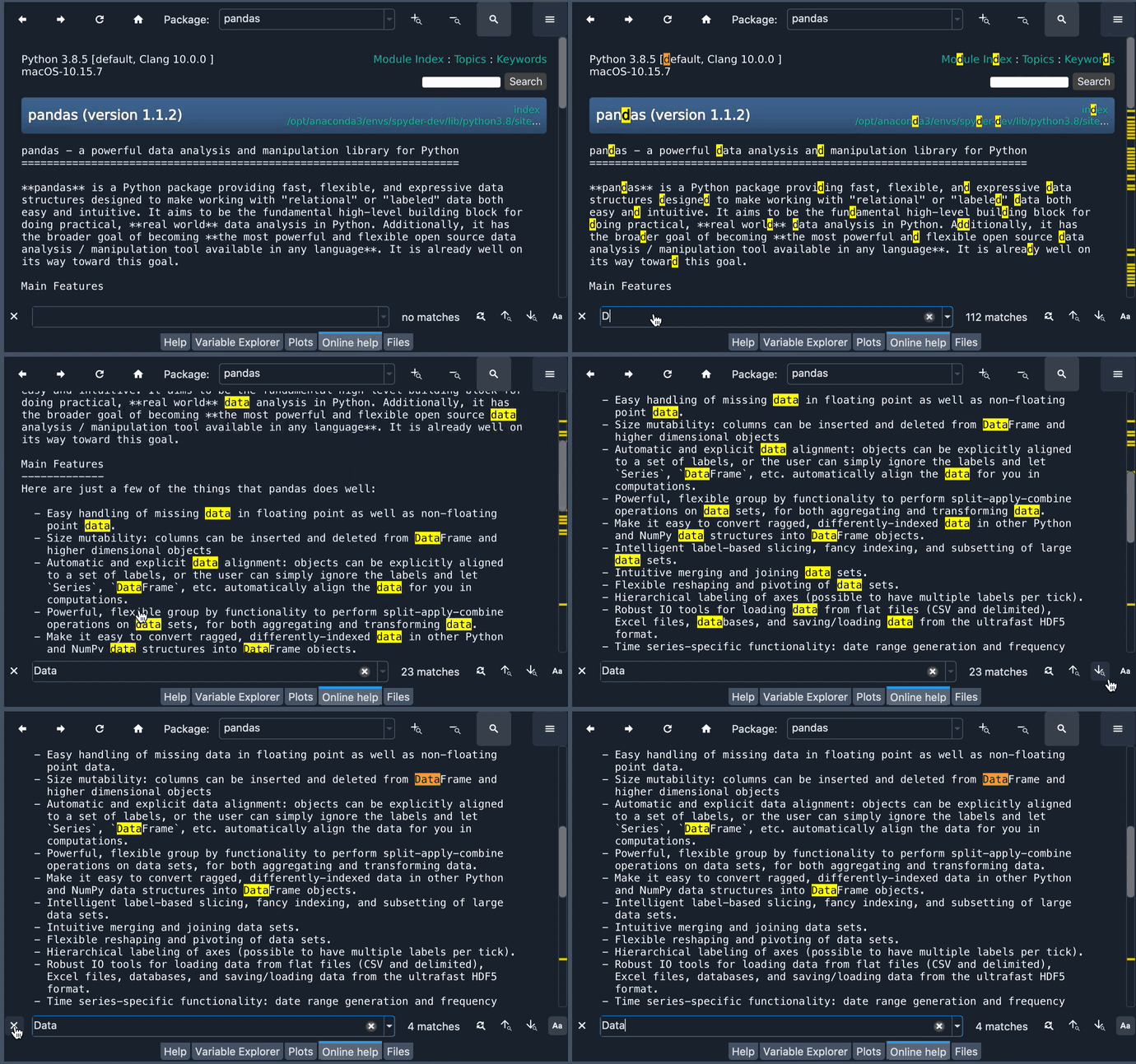
Perform a realtime search within a page’s content with the Find button (magnifying glass icon in the top left) or Ctrl-F (Cmd-F on macOS), navigate through matches with the Up and Down buttons, and make matching case sensitive with the Aa button.
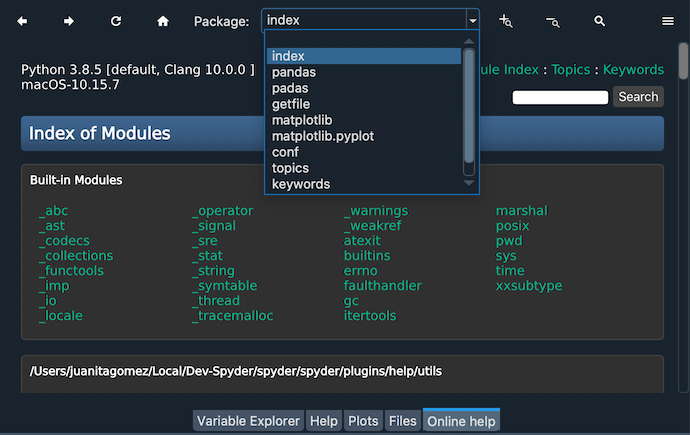
Puedes ver y volver a ejecutar búsquedas anteriores desde el menú desplegable en el campo Paquete.
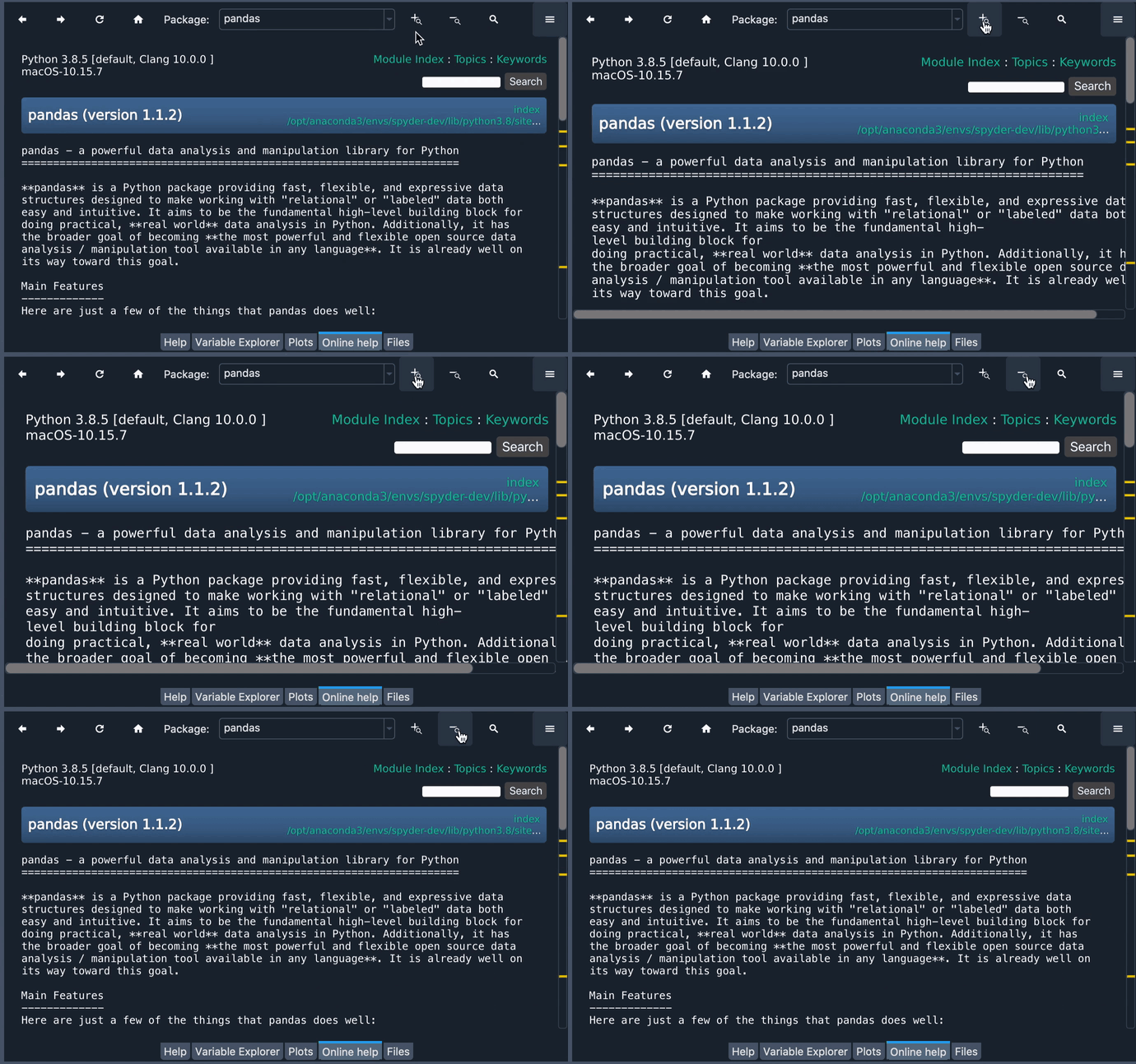
You can also use the zoom in/out buttons (+ and -, top right) to change the font size to suit your preferences.
Para cancelar la búsqueda o la carga de la página, haz clic en el botón de detener (cuadrado rojo), y para recargar la página, como cuando cambias la documentación de tu propio paquete, pulsa el botón de actualizar (flecha circular).